In logistics, manual operations are the main source of errors, time losses, and distorted analytics. Adding route points, allocating costs, filling in drivers and vehicles — all of this takes hours from the team every day. This month, we released a series of updates that address the most common pain points of logisticians and fleet owners: fewer manual actions, more accuracy, clean data, and transparent reports.
Cargo/Trips: adding route points via maps
One of the most anticipated updates is working with routes directly on the map. Now, in the cargo and trip cards, you can add route points прямо on the map. These can be loading or unloading points, warehouses, service stations, coupling points, or any intermediate or custom locations.

.png)
How it works:
1. You open the cargo or trip card.
2. Click the map icon.
3. Add a route point.
4. The system automatically retrieves the coordinates, address, latitude, and longitude.
5. Save — and the data is instantly added to the card.
If an address was already specified, you can just as quickly edit it via the map — the data will be automatically updated.
Own Fleet: adding vehicle expenses
Previously, bulk expense entry was available for trips. Now we’ve extended this logic to your own fleet as well.

How it works:
1. You go to the Transport section.
2. In the table, select the required vehicles.
3. Click Add expense and choose allocation to vehicles.
4. In the modal window, specify the expense name, the counterparty (who issued the invoice), and the total amount.
5. Then select the allocation type.
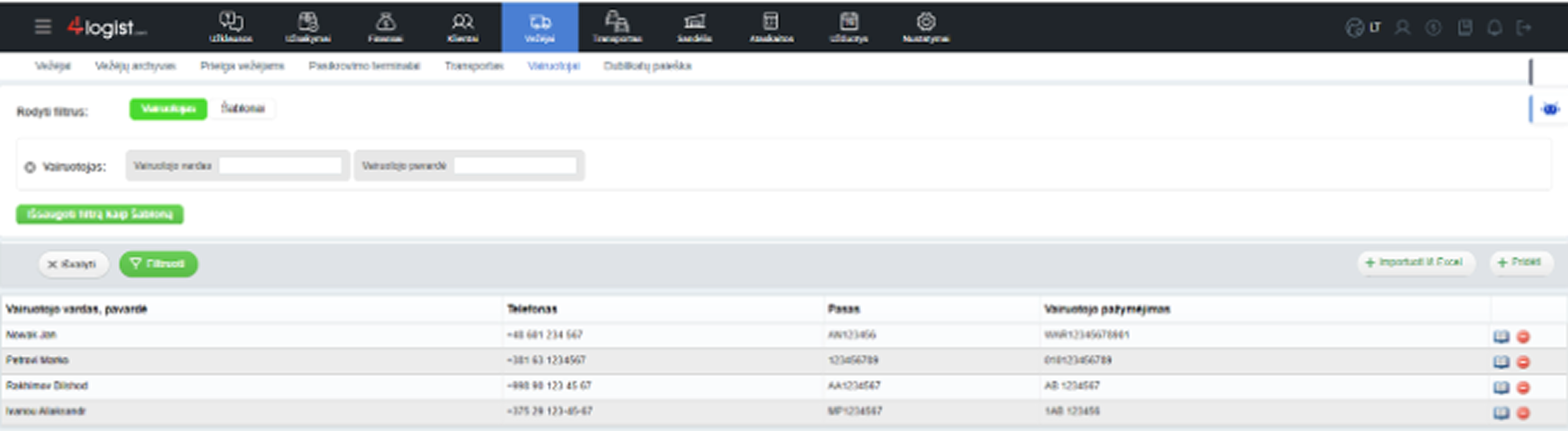
Own Fleet: driver import
Now you no longer need to add drivers one by one manually. In the Own Fleet section, a new Import from Excel button is available:
- you can use the standard 4logist template,
- or upload your own file and configure field mapping — just like in other imports across the system.
Adding shipper and consignee across all modules
An important logical improvement has been introduced to the system — separate Shipper and Consignee fields. Previously, this information was often entered into loading or unloading company fields, which led to confusion and inaccurate analytics. Now, the shipper and consignee are available in requests, cargoes, and trips. Separate columns have also been added to tables, and these fields can be exported in Excel reports.

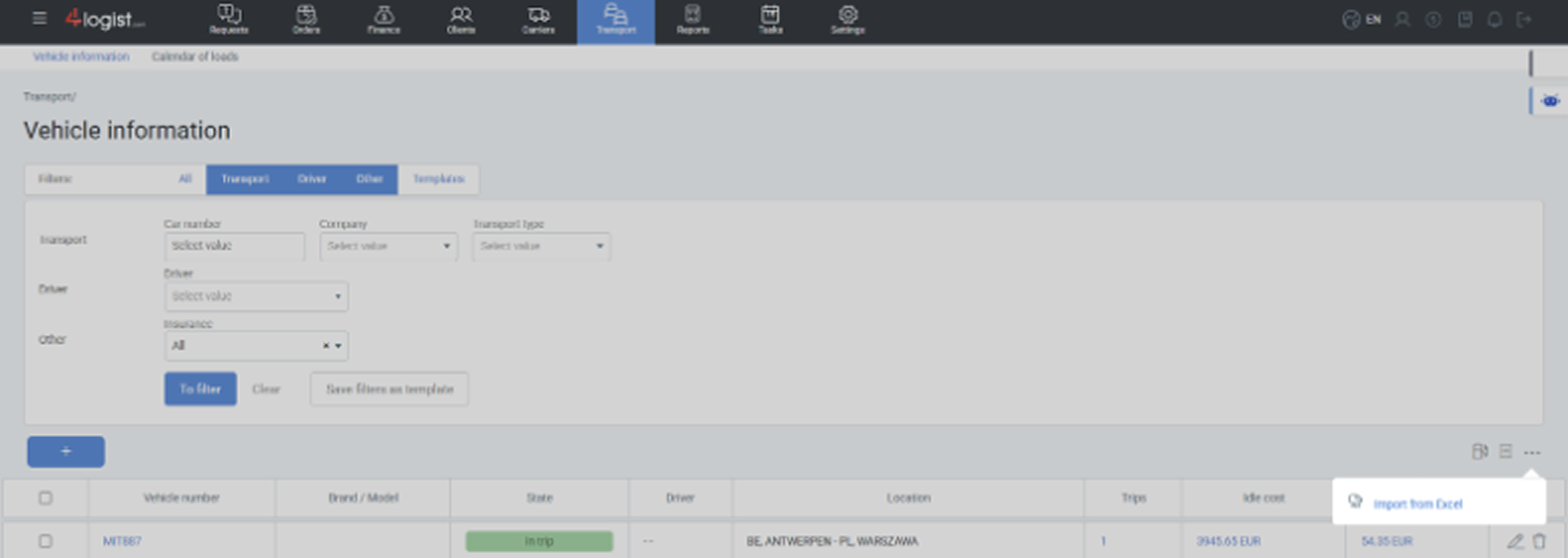
Own Fleet: vehicle import
A logical next step in working with your own fleet is importing vehicles.
Now, in the vehicles table, you can:
- upload vehicles via Excel,
- use a template file or your own format,
- configure field mapping and import the data into the system.
This feature is especially useful during initial implementation, when the fleet is large and manual entry is inefficient.
Other usability improvements
1. Updated client form.
The card has become visually cleaner and more logical, without changing the essence of the data.
2. “Warehouse” column added in the warehouse logistics block.
You can now immediately see which warehouse the cargo is located in — without additional filters.
3. New filter by cargo number.
You can quickly find an order or cargo by number — a small change that saves time in daily work.
4. In the “Balance” report, the counterparty filter is now a multiselect.
You can analyze data for several companies at once, not just one.
All these updates are already available in the 4logist system.
If you’re already using the system, be sure to try the new features in your daily work.
If you’re just exploring — this is a great example of what logistics can look like without chaos, manual errors, and loss of control.
Want to see the system in action? Request a demo and experience the updates in practice.